

Key-Drop CS2 Website Review
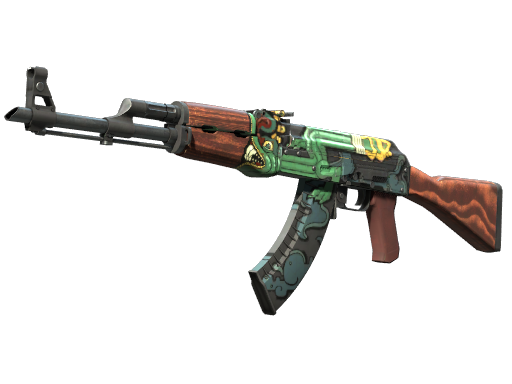
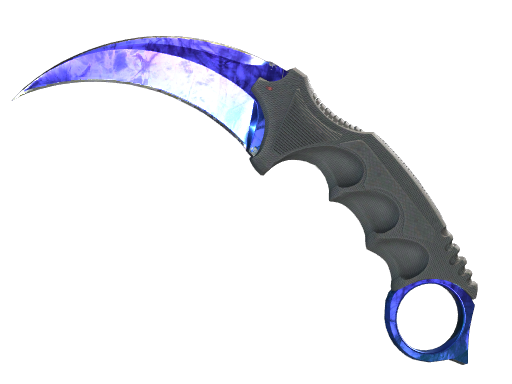
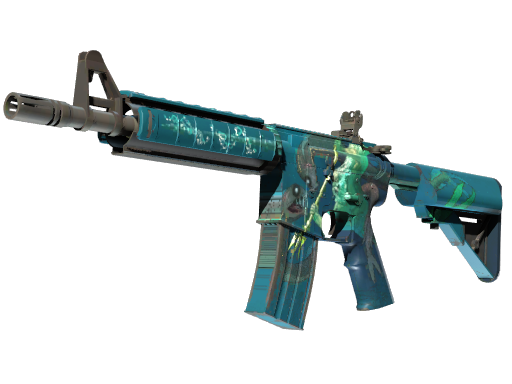
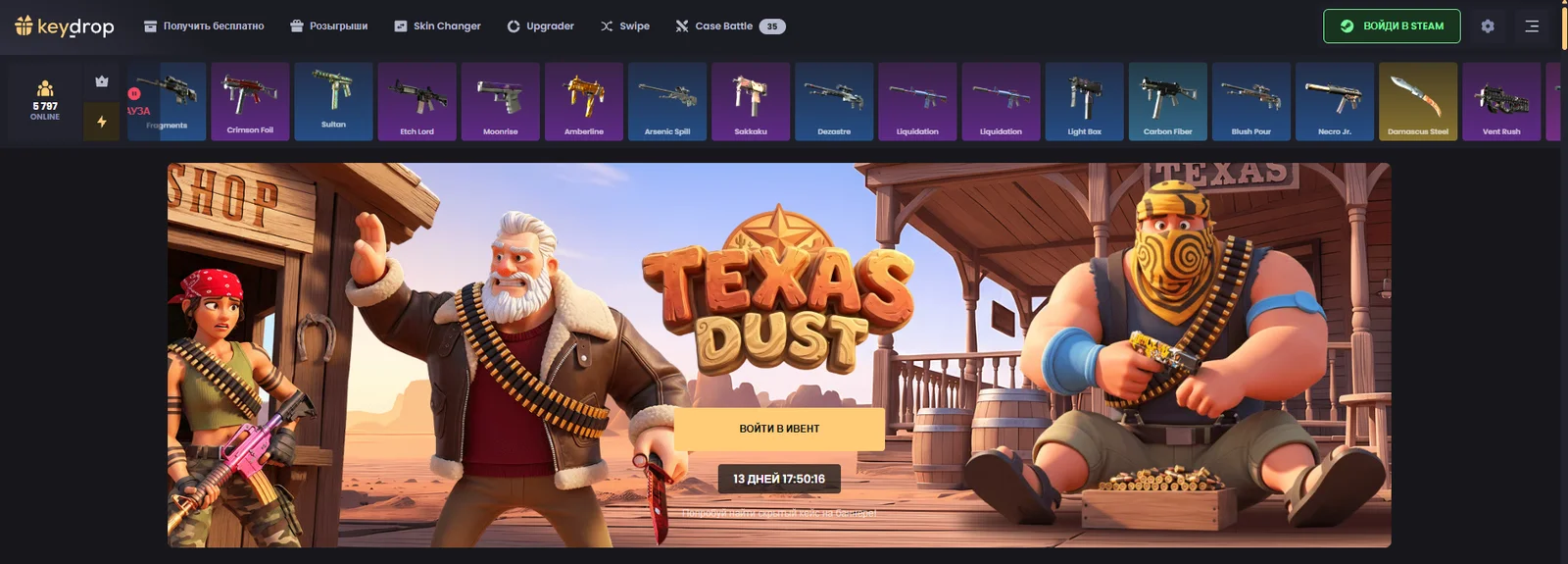
Key-Drop is a platform featuring CS2 cases, skin trading, and several game modes. The catalog includes weapon collections, as well as cases featuring knives, gloves, agents, and stickers. In addition to opening cases, users can access Case Battle, Upgrader, Skin Changer, and Swipe.
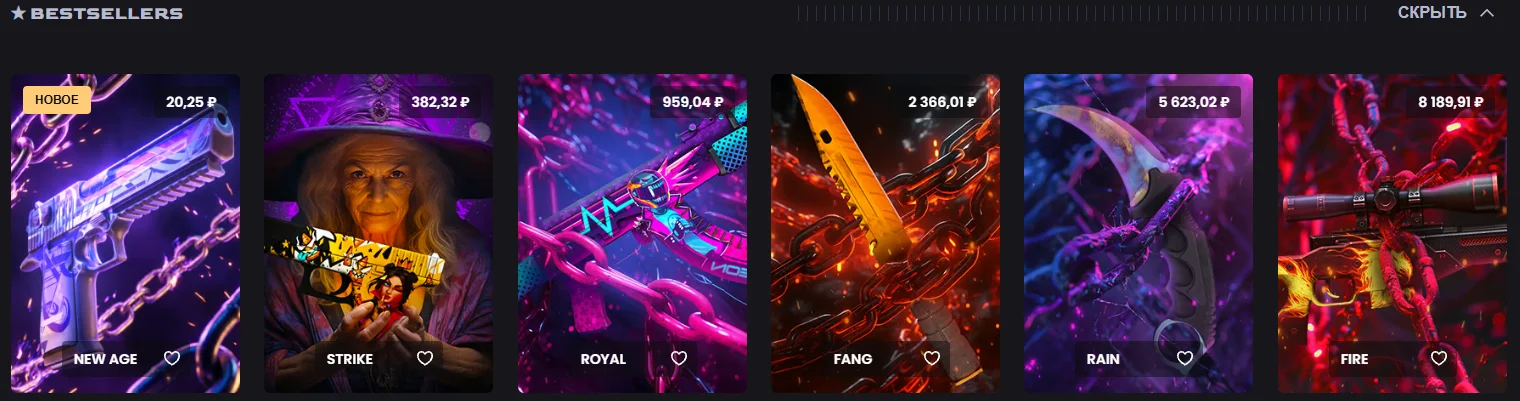
The homepage is divided into themed collections such as Premium, Anime, Community, YouTubers, and other series. There are also dedicated cases for specific weapons, including the AWP, AK-47, and Desert Eagle. A price filter helps narrow down the selection, while cases you like can be added to your favorites.
Case contents can be viewed in advance. Cases are opened directly on the website, so there is no need to purchase a separate in-game key. Items you receive appear in your Key-Drop inventory, from where they can be withdrawn to Steam.
Registration and Login
Authentication is handled through a Steam account. Click “Sign in with Steam” at the top of the website and complete the login process. After returning to Key-Drop, you can use your account features and access available bonuses.
Key-Drop Promo Code
The promo code FREESKIN20 offers a +20% deposit bonus. Go to Key-Drop using the button on the platform card, as the link contains this code. After signing in, check which offer is displayed in your account and whether it is applied when making a deposit.
* Go to Key-Drop and sign in through Steam. * Open the deposit form and check the applied code. * If the code was not entered automatically, use the promo code activation field available in the interface and enter FREESKIN20. * Before making a payment, check the bonus percentage, the total amount to be credited, and any restrictions that apply to the offer.
Daily Cases
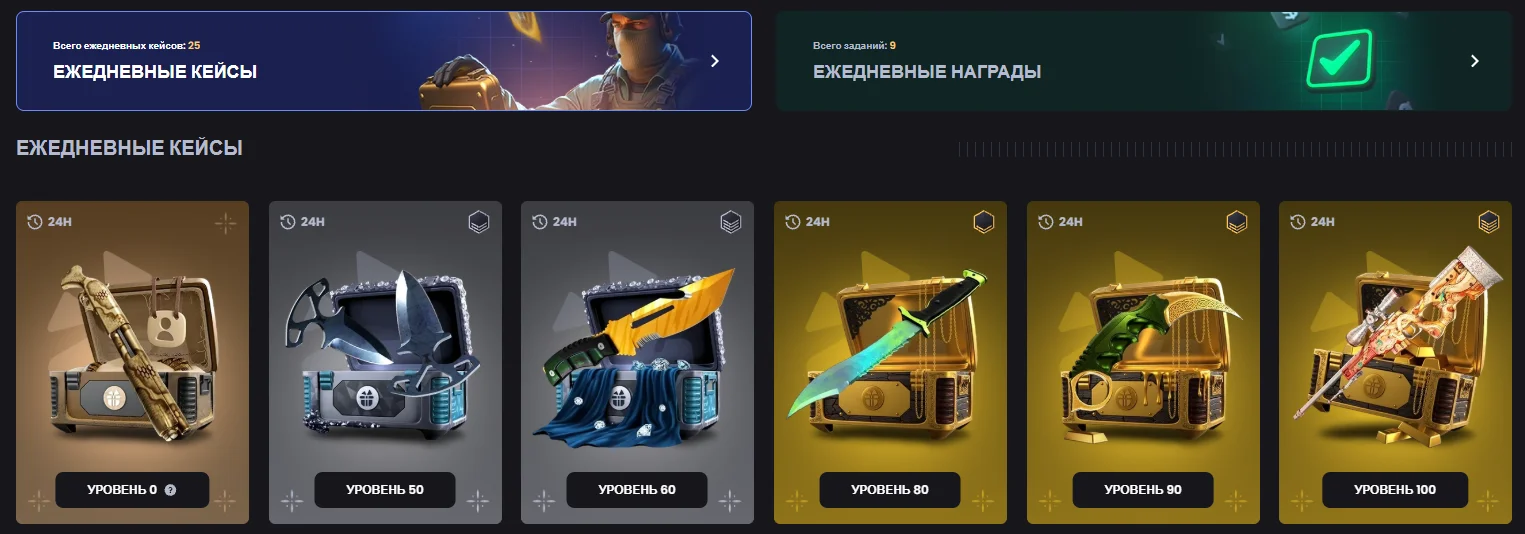
The “Get for Free” section features daily cases marked with a 24H label. They have different profile-level requirements: the list includes a basic Level 0 case as well as cases for higher levels. Activity on the platform earns XP, while leveling up unlocks additional options.
There is also a separate section with daily rewards for completing tasks. This is a different system, where access to the corresponding cases depends on completing specific tasks. Check the requirements for each reward in your account, as the entire list of cases does not become available immediately after registration.
Giveaways have their own separate menu section. Before participating, open the offer you are interested in and review its requirements, available rewards, and end date. Daily cases and giveaway participation are separate bonus activities.
Opening Cases
Choose a collection from the catalog and open the case page. The item list makes it easier to compare cases by their contents: you can focus on a specific weapon, item type, or collection theme. The opening price is displayed for each case.
Case Battle
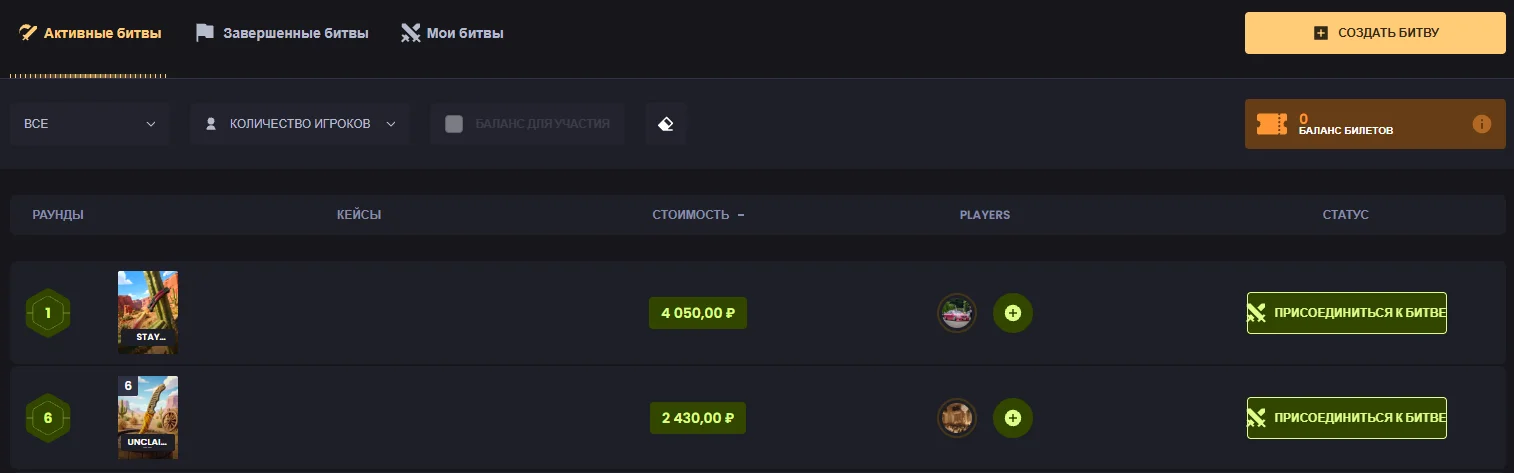
In Case Battles, several participants open cases as part of the same battle. The mode page includes active and completed battles, along with filters for the number of players and available balance. The list shows the cases, number of rounds, cost, and battle status in advance.
You can join an existing battle or create your own. The platform also supports battles against bots and team-based formats. Before choosing a battle, compare the included cases and review the rules of the specific match.
Upgrader
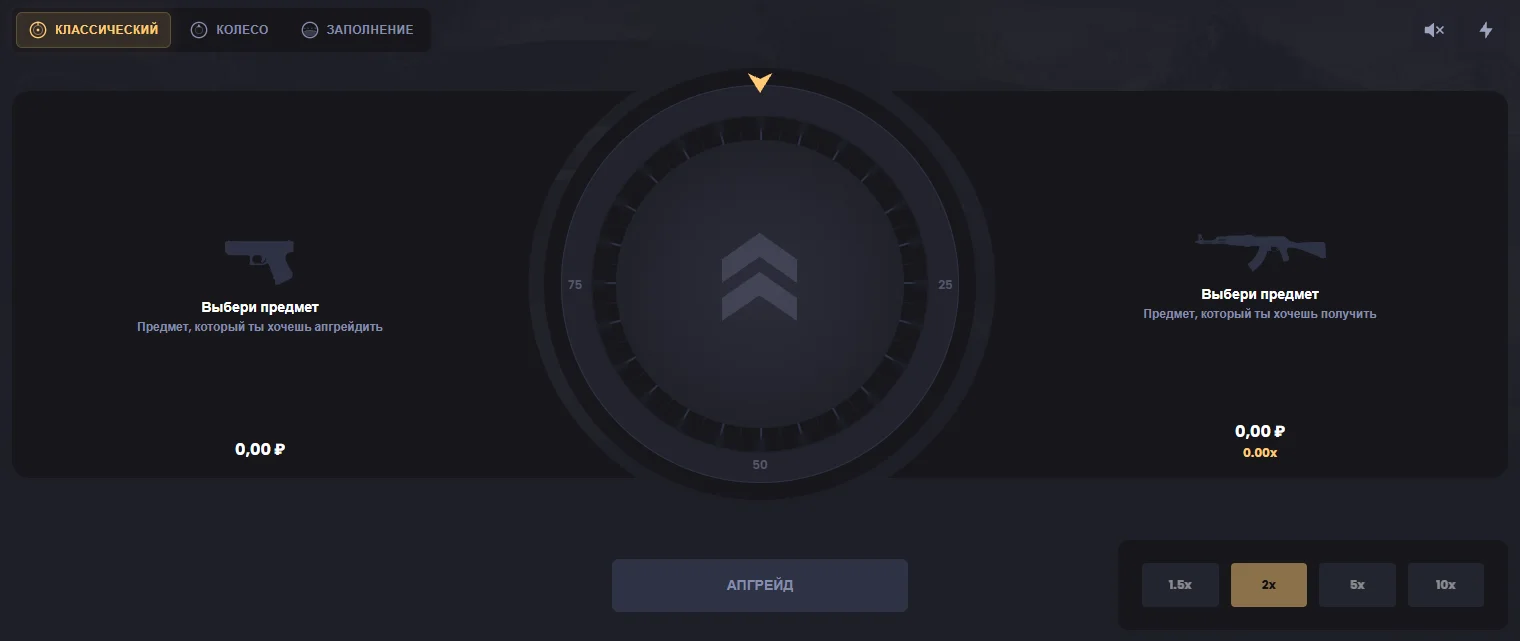
In the Upgrader, you select the source skins and the item you want to receive. The interface is divided into two sections: items used for the upgrade and items available as targets. Multipliers are available for adjusting the upgrade, while the process can be displayed using “Classic,” “Wheel,” or “Fill” modes.
An upgrade is an attempt to obtain the selected target item. When configuring an attempt, check the value of the source items and the parameters displayed before starting.
Skin Changer
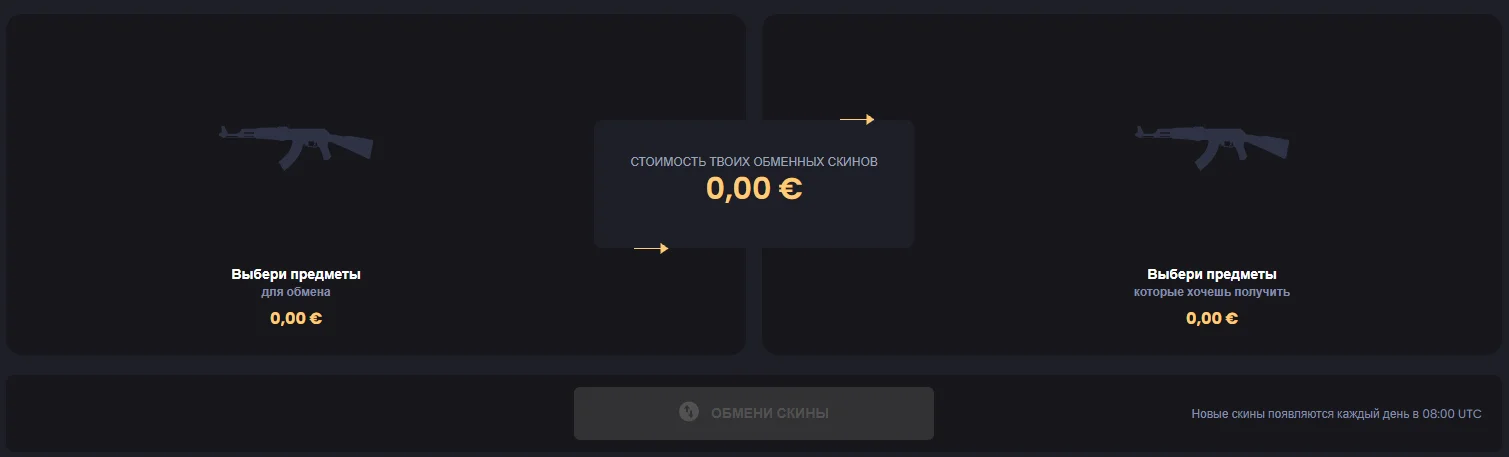
Skin Changer is designed for exchanging items from your Key-Drop inventory for selected skins. The interface displays both sides of the exchange and their respective values. The catalog can be filtered by price, weapon type, wear, rarity, and StatTrak availability.
This section is useful when you are looking for a specific item: first select the skins you want to exchange, then choose the desired items from the available catalog.
Swipe
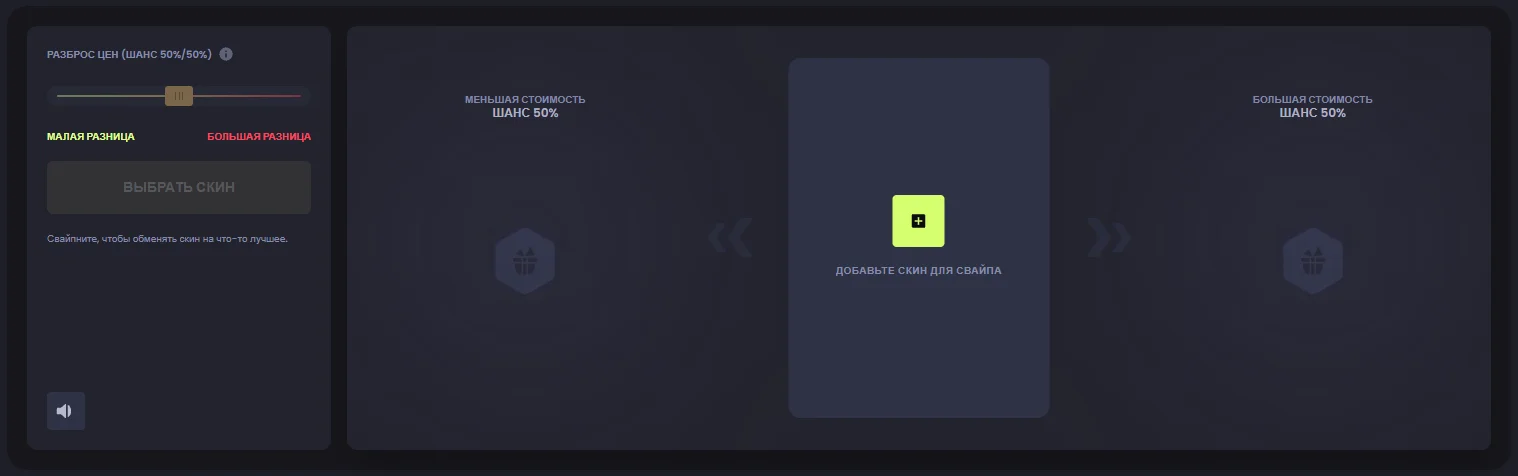
In Swipe, a source skin is exchanged for an item of either lower or higher value. The mode page displays a 50% chance for each of the two outcomes. Adjusting the price spread changes the difference between the possible results, allowing you to choose a smaller or larger difference in value.
Conclusion
Key-Drop stands out for the variety of ways users can interact with their items. In addition to cases and battles, the platform offers a dedicated trading feature through Skin Changer. The ability to find a specific skin using detailed filters is one of the platform’s most useful features. Upgrader, Swipe, and daily tasks add further variety, making the website suitable for users who enjoy exploring different mechanics and building an inventory according to their own preferences.