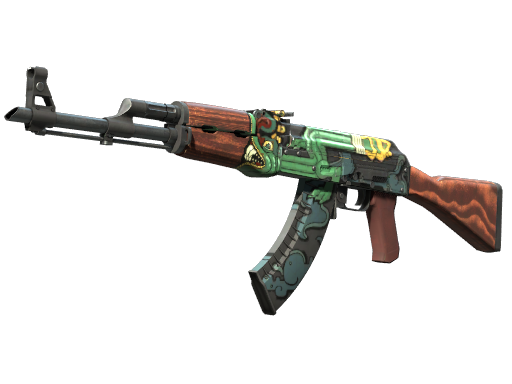
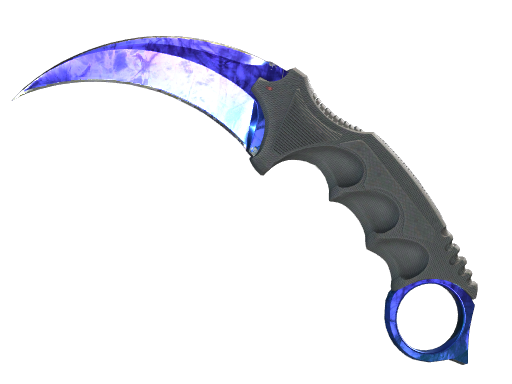
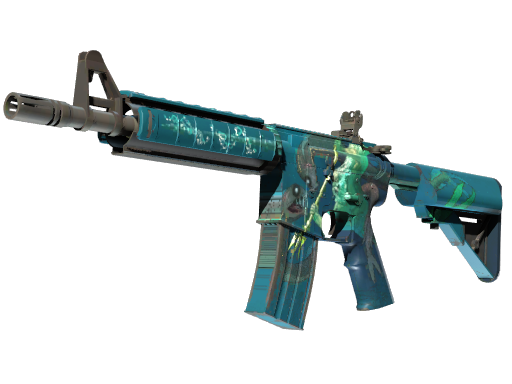


LIS-SKINS combines a marketplace for in-game items with a skin-selling service. The platform supports Counter-Strike 2, Dota 2, and Rust: users can choose specific items from the catalog or offer skins from their own inventory for sale.
The main features are divided into buying and selling. This format works both for updating your CS2 inventory and for selling items you no longer use.
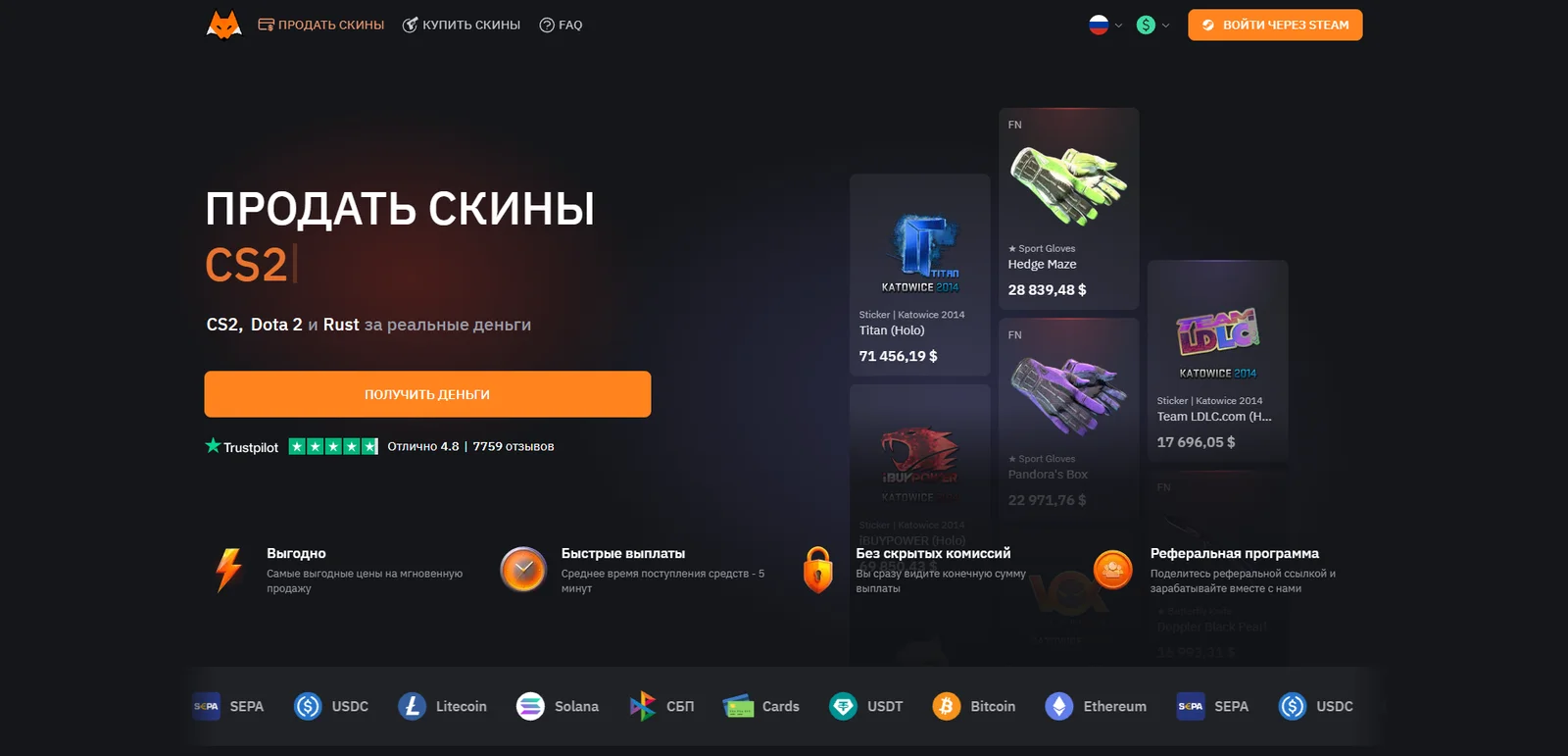
Registration and Login
Authentication is handled through a Steam account. After signing in, you can select items from your inventory for sale and proceed with the transaction.
Before confirming a trade, check the list of items being transferred and the payment details. This is particularly useful when selling several skins at once.
Skin Catalog and Search
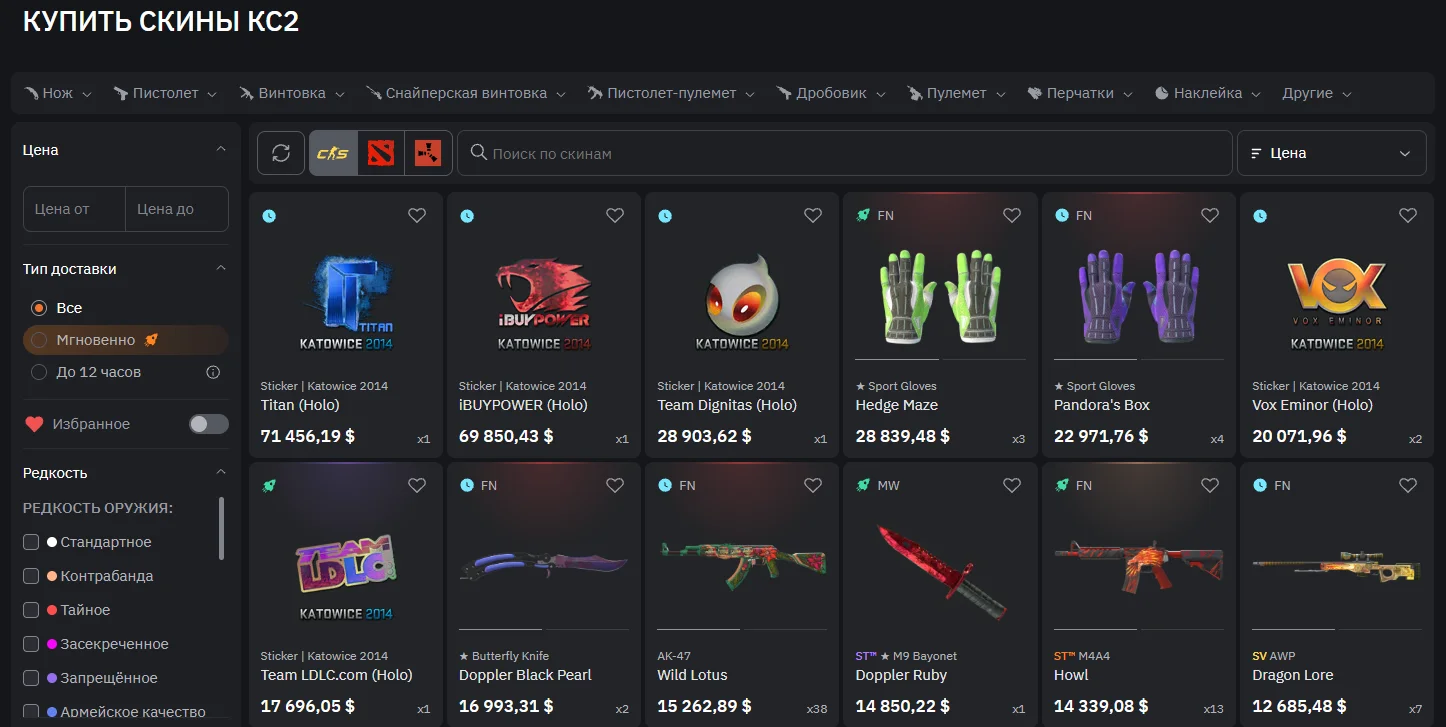
The CS2 catalog includes weapon skins, knives, gloves, agents, stickers, and other items. You can search by name, weapon type, and price range. Additional filters let you narrow down results by wear, float value, rarity, and StatTrak or Souvenir status.
For more precise searches, there are filters for stickers, charms, and Doppler phases. This is useful when looking for a specific skin variant, such as a knife with a particular phase or a weapon with the desired wear level. The website also offers favorites and a delivery-time filter.
How to Sell Skins
Selling starts by selecting items from your inventory. Next, choose how you want to receive the money, enter your payment details, and confirm the transaction. You will then need to complete the proposed trade through Steam.
Before sending your items, it is useful to compare the final payout amount and the available payment methods. When deciding whether to sell, focus on the amount you will actually receive rather than only the estimated value of an individual skin.
Payout Methods and Fees
Available payout methods include bank cards, SBP, and cryptocurrencies. The listed cryptocurrency options include USDT, Bitcoin, Ethereum, Litecoin, Binance Coin, Solana, and USDC. Several networks are available for USDT, so it is important to select the one that matches the recipient address when setting up the payout.
Fees depend on the selected method and are displayed before the transaction is confirmed. There is no single percentage that applies to every payout option, so the final terms should be checked in the form for the specific transaction.
How to Buy Skins
To purchase a skin, open the marketplace, find the item you want, and check its details and delivery time. According to the website's instructions, purchases are made by adding funds to your internal balance and then placing an order.
The next steps depend on the item's status. If the skin is still under a trade hold, you will need to claim your purchase through your account once the hold expires. For instant delivery, the trade offer is created almost immediately.
Delivering Items to Steam
The marketplace offers instant delivery and delivery within 12 hours. If you need an item for an upcoming game, it is worth considering the delivery time when selecting an item from the catalog.
For the “within 12 hours” option, the order can be canceled through your inventory or transaction history if a trade offer has not been created within 30 minutes. If delivery is not completed within 12 hours, the order is automatically canceled and the funds are returned to your LIS-SKINS balance.
Customer Support
The website has an FAQ with separate sections covering purchases, sales, payouts, and Steam trades. According to LIS-SKINS, customer support is available 24/7.
If your question concerns a specific transaction, it is useful to have its transaction number and a screenshot of its status ready. This makes it easier to explain at which stage the issue occurred.
Conclusion
LIS-SKINS appears to be a convenient option for users who regularly update their gaming inventory. One particularly useful feature is that searches are not limited to item names and prices: skins can also be filtered by wear, float value, and other details that can make a real difference when choosing an item.
One of the platform's strengths is the combination of buying and selling in one place. You can find the item you want, evaluate the skins you already own, and decide which option works best for you. For me, this practicality is what makes LIS-SKINS an interesting service for managing an in-game inventory. When considering a specific transaction, the final step is to compare the total amount and choose a suitable delivery or payout timeframe.