

Musor Drop CS2 Website Review
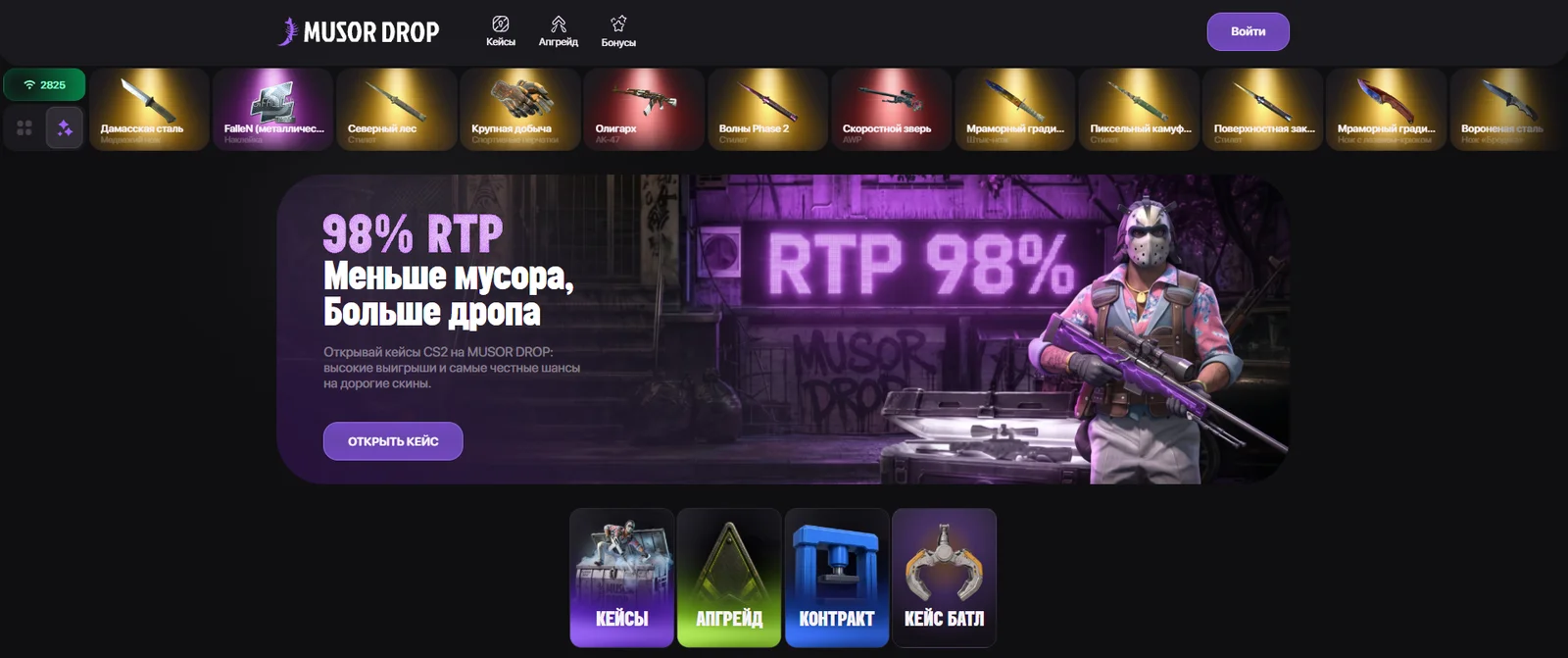
Musor Drop is a platform featuring Counter-Strike 2 cases and skins. In addition to its case catalog, the website offers upgrades, contracts, and case battles. There is also a separate section dedicated to bonus offers.
The design and collection names play on the project's theme: cases include “Trash Bag,” “Royal Dump,” “Trash Tycoon,” and “Golden Trash Can.” However, the catalog is not limited to this theme. The website also features collections based on weapons, knives, skin colors, and StatTrak™ items.
The “Fashion Cult” section features cases named after fashion brands, while Mystery Box includes themed collections such as “Random Red Code” and “Random Waves.” VIP COLOR, “50/50,” and “Cases from CS2” collections are also available separately.
Registration and Login
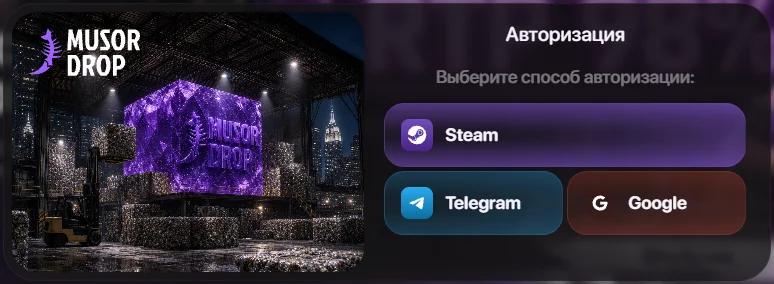
To sign in, click “Log In” at the top of the website. The login window offers three options: Steam, Telegram, and Google. Choose your preferred method and complete the authorization process through the corresponding service.
You can browse the catalog and view case contents without signing in. To access bonuses and personalized gaming features, the website requires you to log in. According to the platform's terms, the service is intended for users aged 18 and over.
To receive items on Steam, you need to provide a trade link in your account. Therefore, after signing in, it is worth checking your profile settings and trade information.
Musor Drop Promo Code and Bonuses
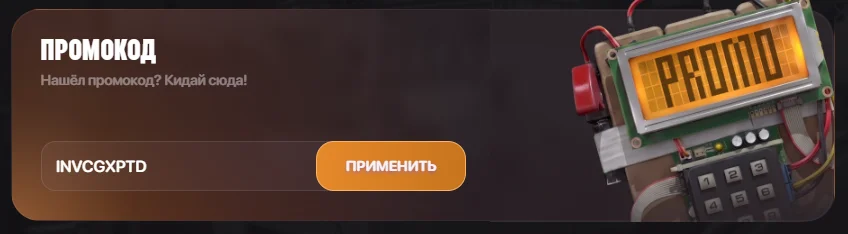
The promo code INVCGXPTD gives you a 5-ruble bonus on Musor Drop. This is a fixed amount rather than an additional percentage added to your deposit.
After signing in, open the “Bonuses” section and find the “Promo Code” block. Enter INVCGXPTD without spaces, click “Apply,” and check the confirmation message to make sure the bonus has been credited.
Free case for subscribing:
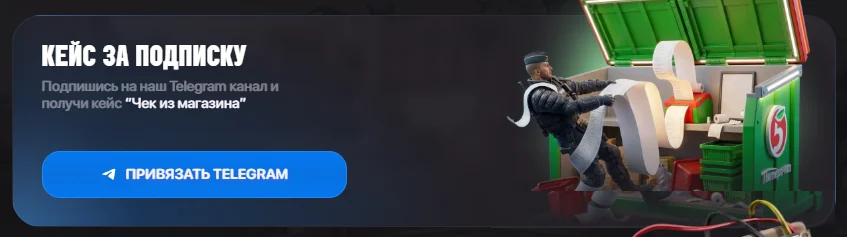
You can receive the “Store Receipt” case by subscribing to the Musor Drop Telegram channel. In the “Case for Subscription” section, click “Link Telegram” and complete the subscription requirements shown on the website.
Weekly cashback:
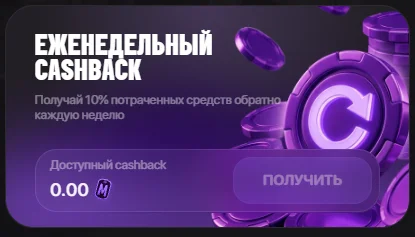
The bonuses section advertises a weekly cashback of 10% of the amount spent. The amount available to claim is displayed in the cashback block, with a “Claim” button provided to collect it.
Rakeback:
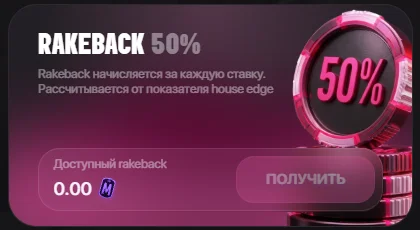
Rakeback is credited for each bet and is calculated based on the house edge — the platform's mathematical advantage. The stated 50% applies to this calculation base rather than to the full amount of the bet. Available rakeback is displayed separately from weekly cashback and can be collected using its own “Claim” button.
Cases
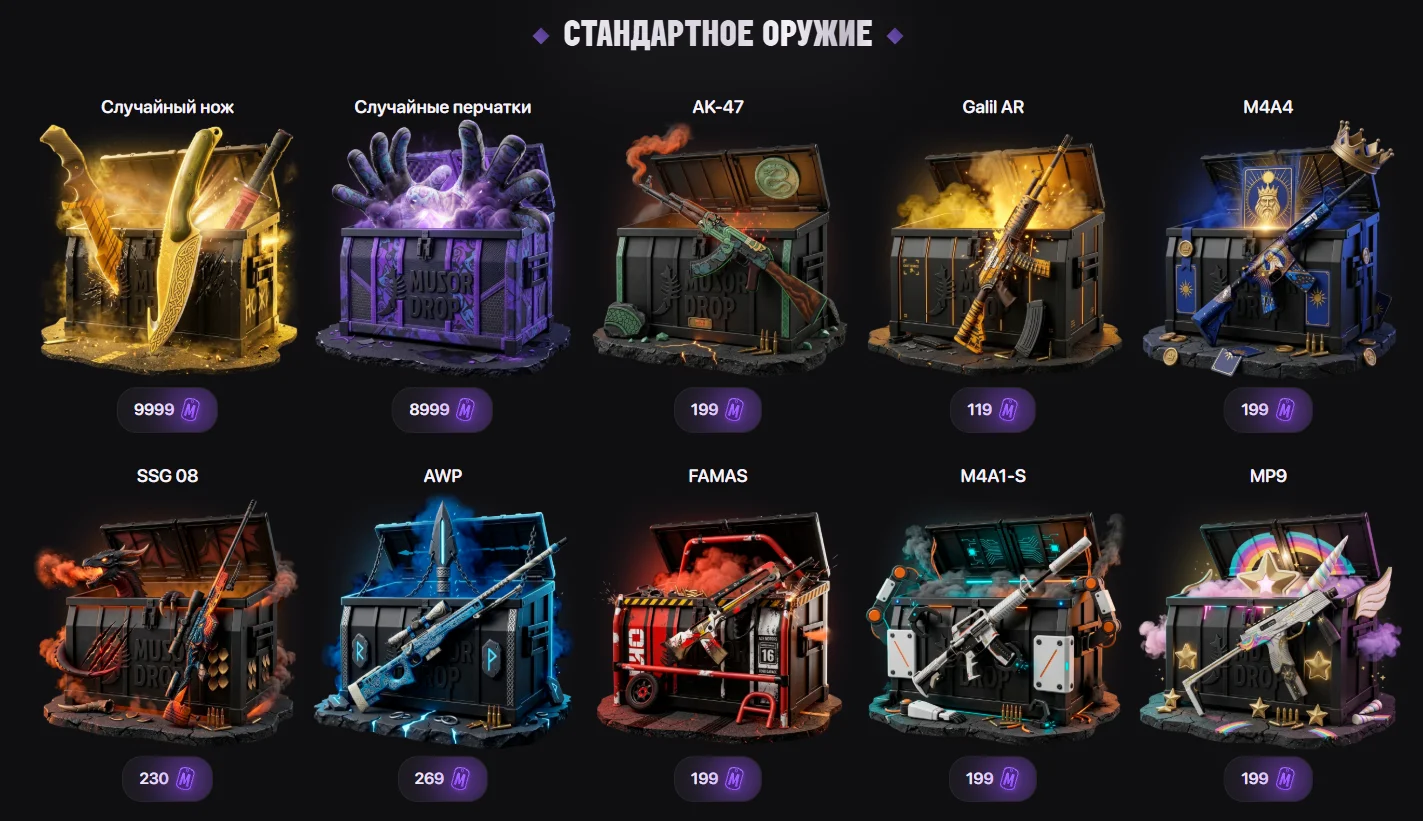
The process starts with the catalog: find a collection you are interested in and open its case page. The “Possible Prizes” section lists the items included in the case. For example, the “Store Receipt” case includes skins for the Desert Eagle, M4A1-S, AUG, and other weapons.
The page offers X1, X2, X3, X4, and X5 options for selecting the number of case openings. Before starting, check the selected quantity and the total cost. The result of each opening is determined randomly from the available pool of items.
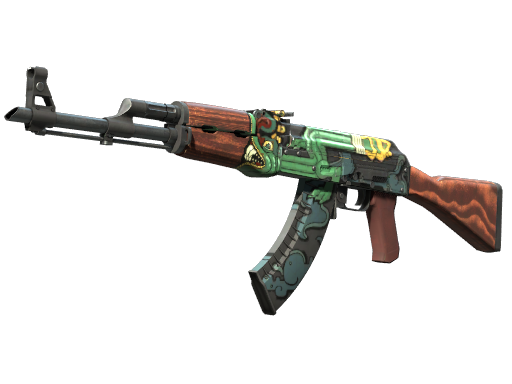
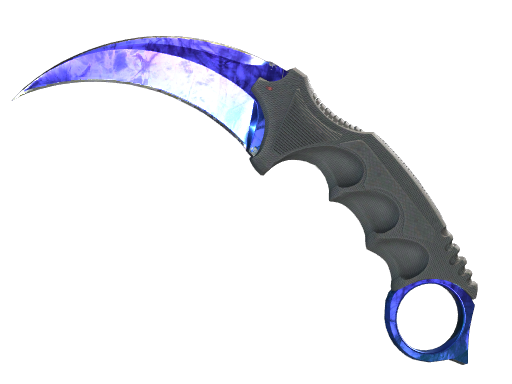
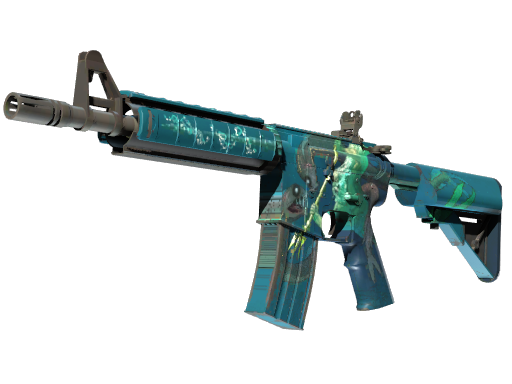
If you are looking for a particular type of drop, weapon-specific collections can be useful: AWP, AK-47, M4A1-S, USP-S, and others. The knife category features separate cases named after different knife models. You should check the contents of each case on its individual page, as the collection name does not replace the actual prize list.
Upgrade
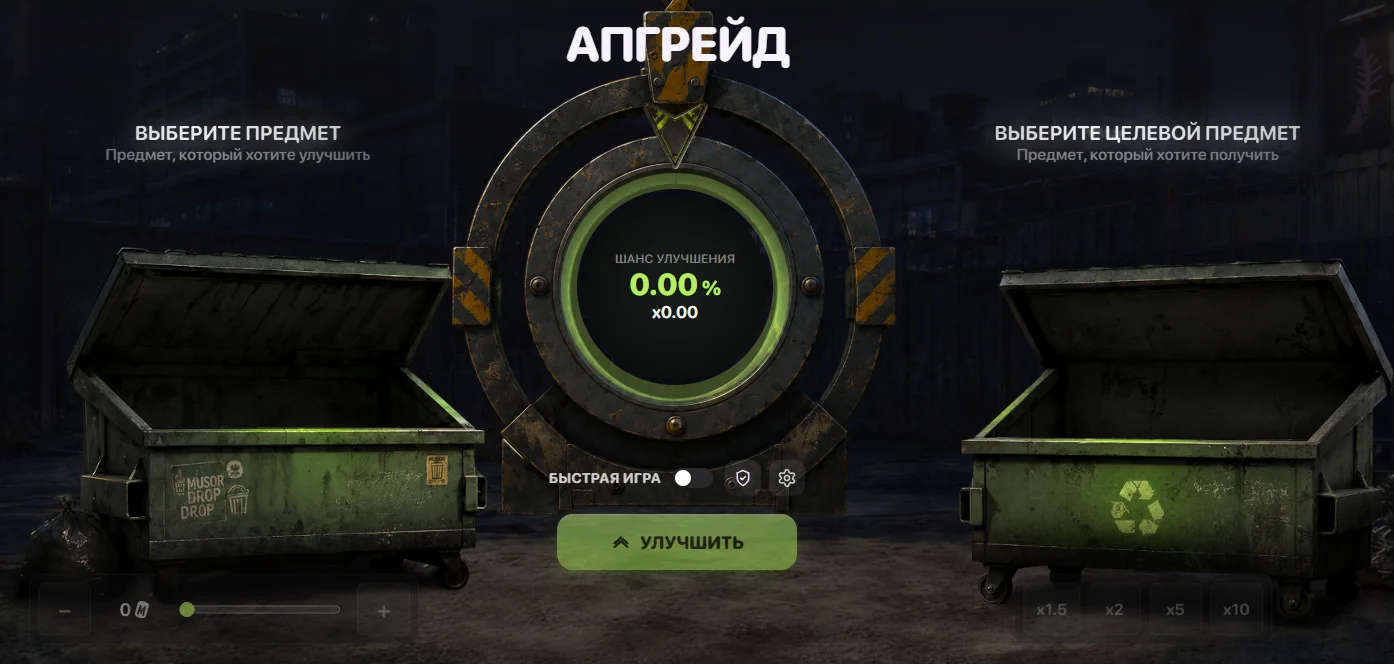
The Upgrade feature is designed for attempting to obtain a selected target skin using an item you already have. Unlike opening a case, the focus here is not on the contents of an entire collection but on a specific target item and the probability of obtaining it.
The general process is to select the source item, specify the desired result, and review the odds before confirming. On Musor Drop, the upgrade probability is also used in a separate result verification form, which includes an “Upgrade Chance” field displayed as a percentage.
Contracts
A contract combines several items into one new result. This format differs from an upgrade: instead of working toward a single target, the user puts together a set of items for an exchange.
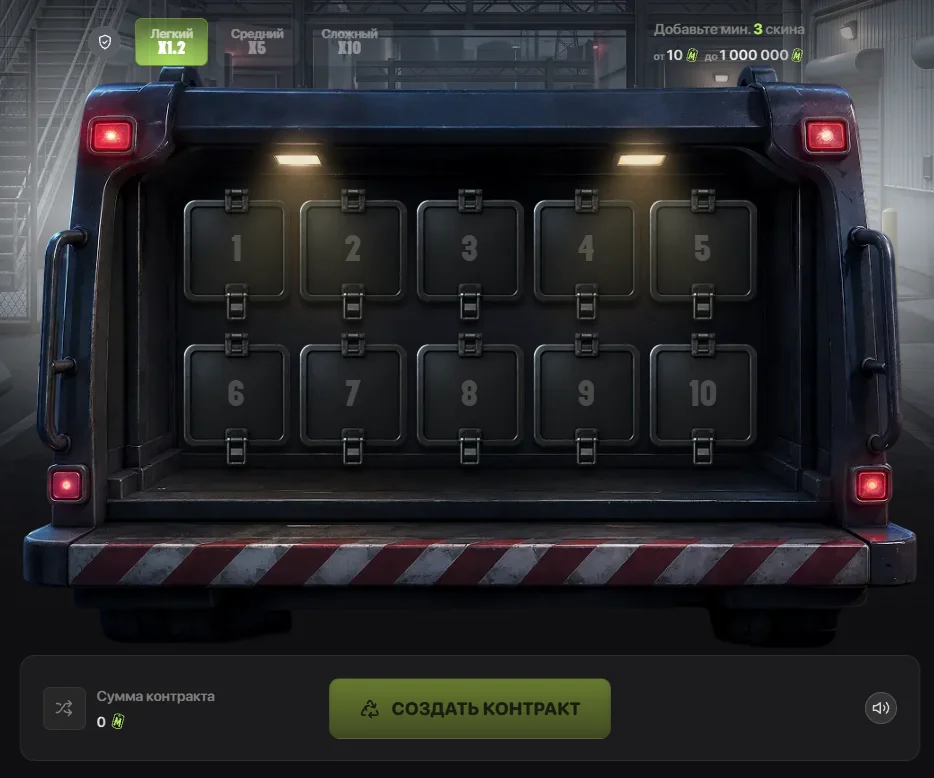
A contract requires at least three skins, and the interface provides ten item slots. The interface indicates a range from 10 to 1,000,000 internal units. The total value of the selected items is displayed at the bottom in the “Contract Amount” section.
At the top of the screen, you can choose one of three difficulty levels:
* Easy — X1.2. * Medium — X5. * Hard — X10.
To create a contract, select the difficulty level, add between three and ten skins, and check the total amount. Once the selection is ready, click “Create Contract” to proceed.
Case Battles
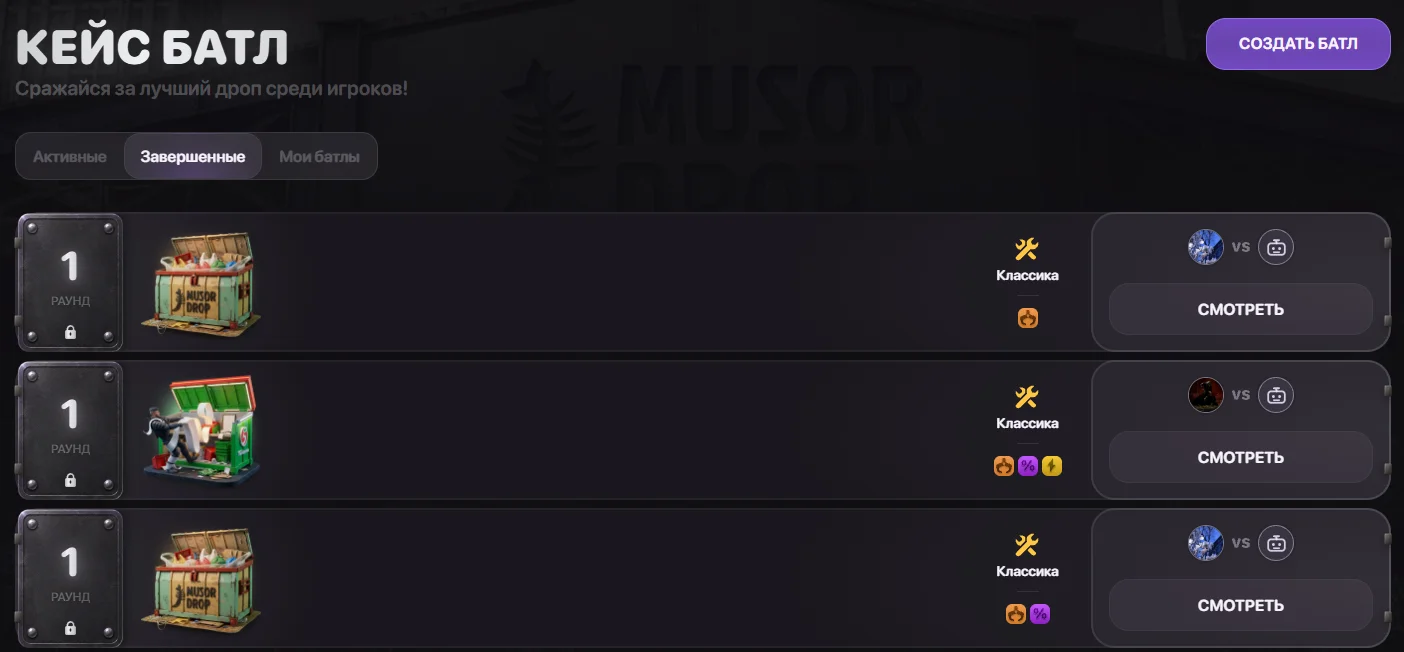
In the “Case Battle” section, cases are opened as part of a shared game with other participants. The battle list displays the selected cases, number of rounds, participants, and game format.
For navigation, there are “Active,” “Completed,” and “My Battles” tabs. You can take an available slot in an open game, while battles that have already started can be watched using the “Watch” button.
Before participating, pay attention to the format and number of rounds: a single case opening and a series involving several cases represent different amounts of gameplay. The rules for determining and distributing the result should be checked for the specific format you choose.
Conclusion
Musor Drop stands out with its humorous design and case names, giving the platform a distinctive and recognizable style. Behind this unusual presentation is a diverse catalog featuring collections based on weapons, knives, and skin colors. Case battles and contracts with selectable difficulty levels complement the standard case openings, while bonuses are grouped in a dedicated section. It is an interesting option for users who appreciate a colorful presentation and enjoy choosing between several different game modes.