

SkinSwap Review
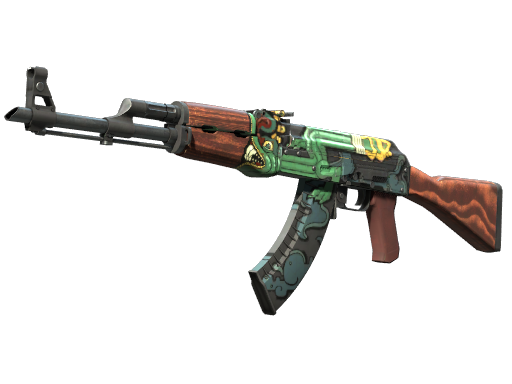
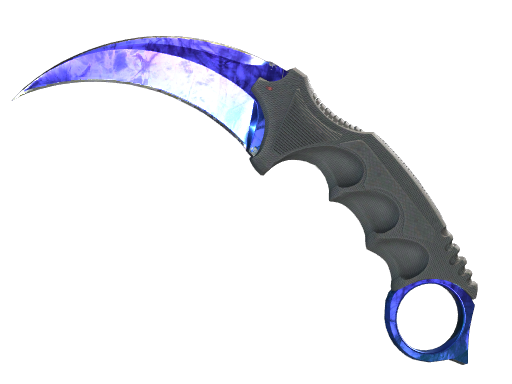
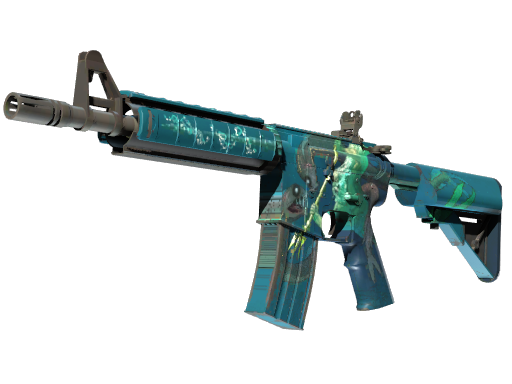
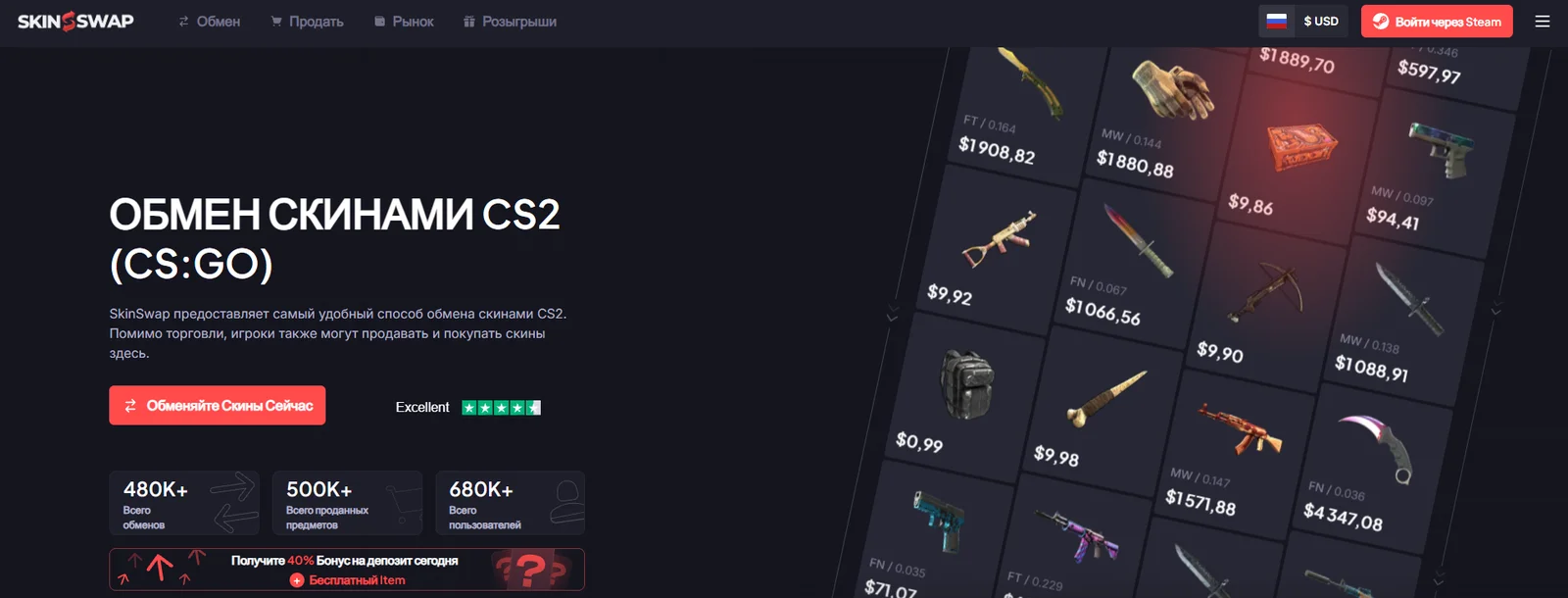
SkinSwap combines three main ways to work with skins: trading items, buying skins with real money, and selling skins for a payout. The platform supports Counter-Strike 2 and Rust, and its interface is available in Russian.
The service can be used for different purposes: exchanging several unwanted skins for one desired item, finding a specific item for your inventory, or selling part of your collection. Each option has its own dedicated section.
Registration and Login
Login is handled through Steam. To set up your account, you need to add your Steam Trade URL and verify your email address. Your inventory must be public so that the platform can load the available items.
Once your inventory has been loaded, you can select skins for a transaction. Before confirming, make sure the Steam trade offer contains exactly the items you selected on the website.
Skin Trading
In the trading section, you select items from your inventory and the skins you want to receive. SkinSwap uses trading bots, so the transaction is completed through a Steam trade offer.
This allows you to build a new combination of items or exchange several less expensive skins for one more valuable item. Before confirming the transaction, compare the estimated value on both sides of the trade to determine whether the proposed exchange works for you.
Buying Skins and Adding Funds
The Market section is used to purchase skins. First, set up your account and add funds using one of the available payment methods. Then select the item you want and complete the purchase. The catalog includes filters that help narrow down the selection. Check the specifications and status of the particular skin before paying.
The purchase page lists bank cards, Kinguin gift cards, and cryptocurrencies, including Bitcoin, Ethereum, and Litecoin. PayPal purchases are described as being made through the purchase of a Kinguin gift card, so this should not be confused with adding funds directly through PayPal.
Check the deposit form for the payment methods available to your account and the final amount. This approach is useful if you have already chosen a specific skin and want to purchase that particular item.
Selling Skins and Receiving Payouts
In the Sell section, select the items from your inventory. The website will display the offered amount, after which you can choose a payout method, check your payment details, and confirm the transfer of the skins through Steam.
The listed payout methods include PayPal, bank transfers, and cryptocurrencies such as Bitcoin, Ethereum, and Litecoin. The presence of a payment method on a public page does not necessarily mean it is available in every region, so refer to the options displayed in your transaction form.
Selling is suitable when you want to receive money for items you already own. Before transferring your skins, compare the final payout amount and the expected processing time, as these factors are more important than an attractive individual price displayed for an item in your inventory.
Giveaways and Tasks
SkinSwap has a giveaway section featuring daily, weekly, and monthly prizes. Participation is based on tickets: users earn them by completing tasks and can then use them to enter a selected giveaway.
Examples of tasks listed by the website include joining Discord, following the platform on X, and completing themed activities. The current list is available under the Tasks tab. Giveaway cards display the prize, time remaining, and participation details, while previous results can be viewed in the history section.
Customer Support
The help center includes sections covering purchases, sales, trades, deposits, and the Backpack. If you cannot find an answer there, the page also provides access to support chat.
If your question concerns a specific transaction, have its transaction number and a screenshot of its status ready. If a trade appears to be stuck, it is also useful to check your incoming Steam trade offers and tell support at which stage the transaction stopped.
Conclusion
SkinSwap appears to be a good option for users who enjoy updating their inventories and want to handle different tasks on a single platform. You can choose a specific skin, trade existing items, or sell them depending on the result you are looking for.
The ability to build a desired inventory by trading several items is particularly useful. The Backpack helps manage skins on the platform, while tasks and giveaways provide additional activities between transactions. Overall, SkinSwap stands out for combining several trading options in one service; when choosing a specific offer, it is worth considering item valuations, the final amount, and the expected processing time.