

Upgrader CS2 Website Review
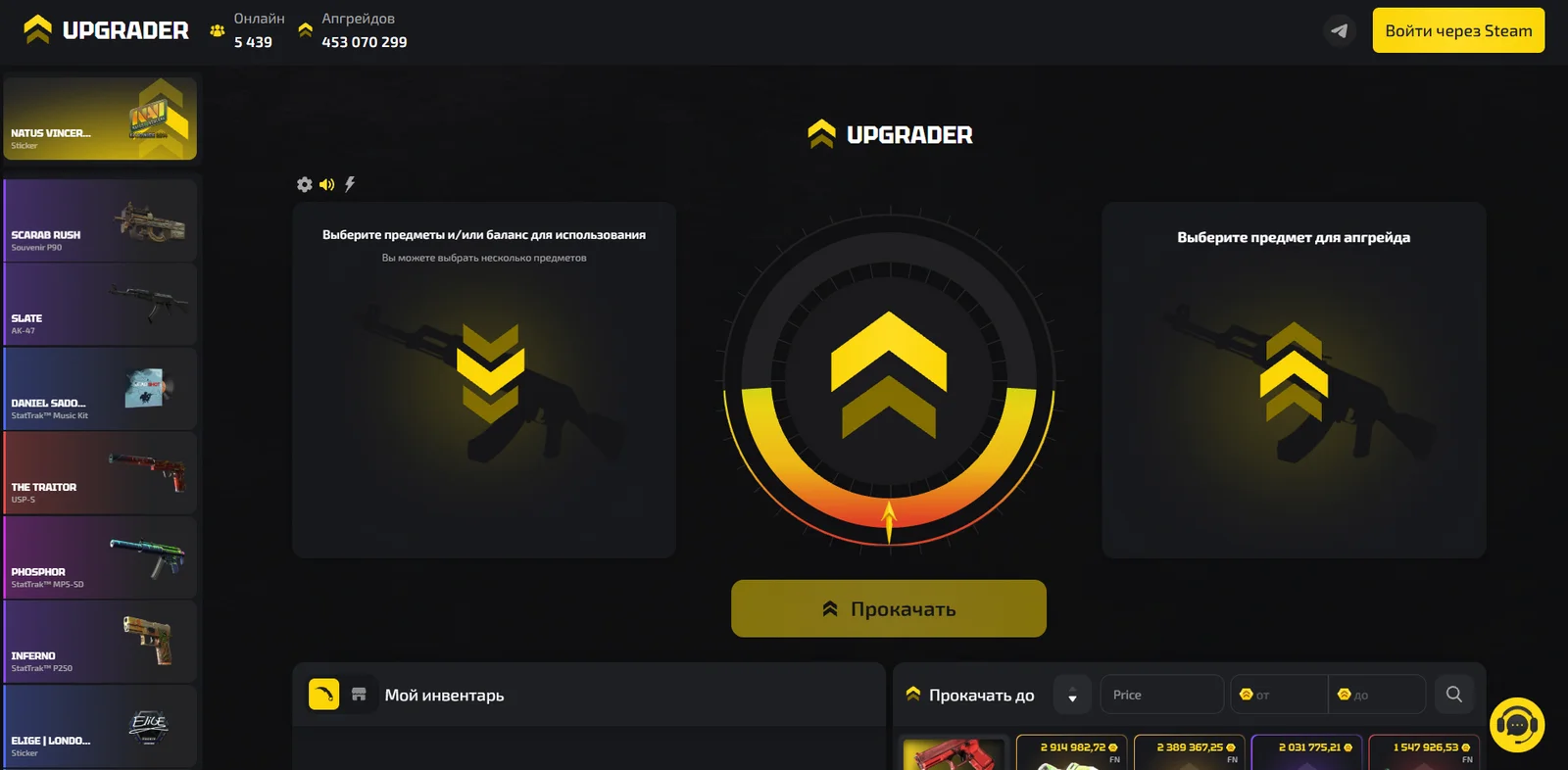
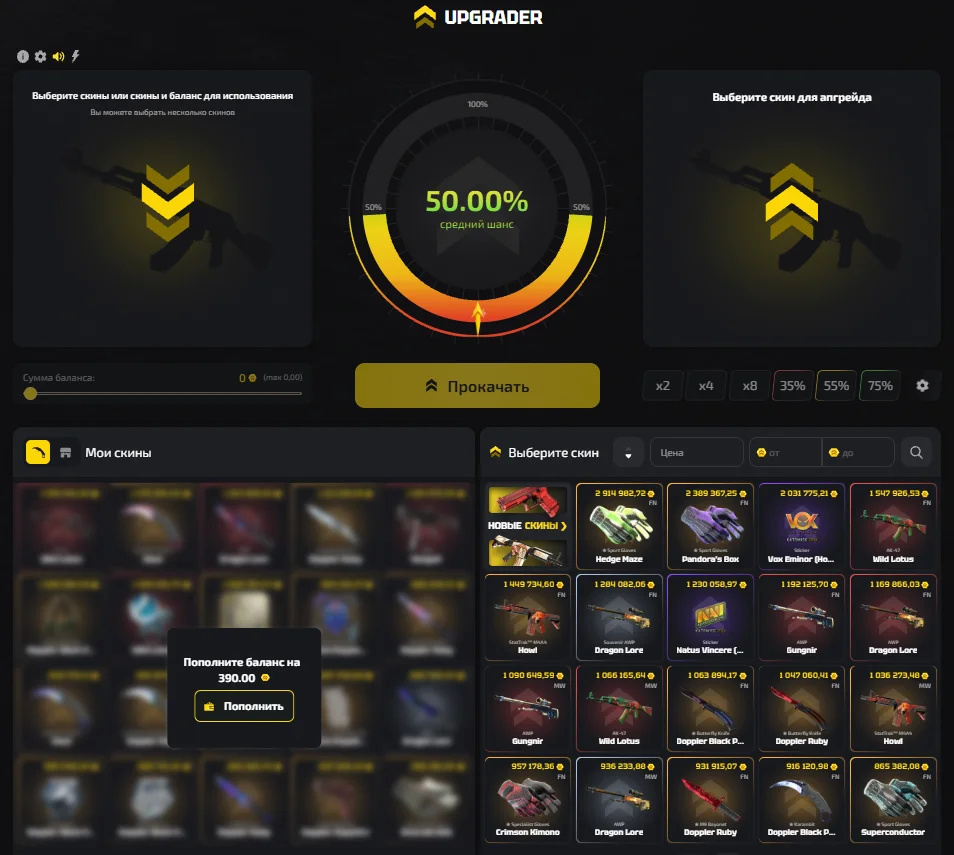
Upgrader is a platform for upgrading CS2 items. The main page opens directly to the upgrade interface: the user’s inventory is displayed on the left, while the catalog of target items is shown on the right. An upgrade attempt can use multiple skins, account balance funds, or a combination of both.
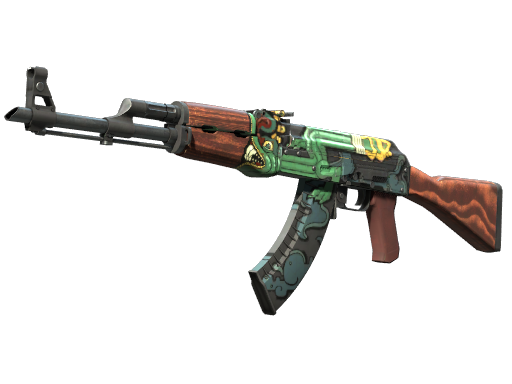
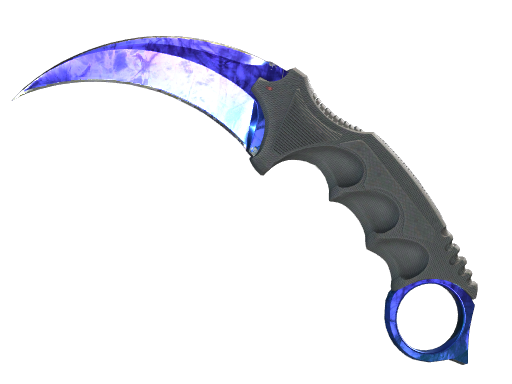
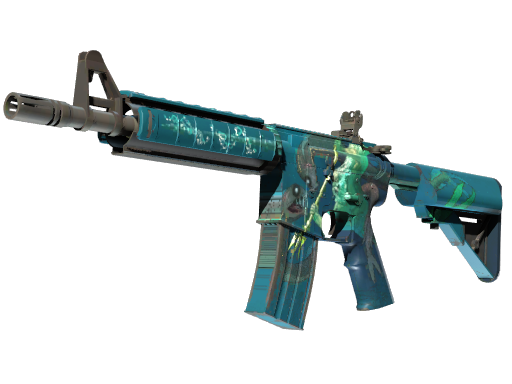
The catalog includes weapon skins, knives, gloves, and stickers. Item cards display the name, value, and, where applicable, the item’s condition. Available options include regular skins, StatTrak items, and souvenir items.
The interface is built around selecting the source items and the desired target. Search, price range settings, and sorting options are available in the same area. An activity feed displays items and users on the platform.
Registration and Login
Authentication is handled through Steam. Click “Sign in through Steam” at the top of the website and complete the login process using your account. The same button is available in the “My Inventory” section if you have not signed in yet.
You can browse the catalog of target items without logging in. Authorization is required to use the upgrade feature, which the website indicates directly in the inventory section.

Upgrader Promo Codes and Bonuses
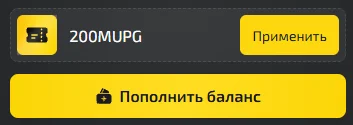
The promo code 200MUPG offers a 100G balance bonus.
Log in to your account, find the promo code activation field, and enter 200MUPG without spaces. After applying the code, check the platform’s confirmation message and make sure the bonus has been credited.
News about bonuses and activities is published in Upgrader’s official communities. You can access the Telegram channel using the icon at the top of the website, while links to other social media accounts can be found in the footer.
When using a promo code, check the publication date, expiration date, and number of available activations. An offer from an older announcement may have already expired even if the code still appears in collections on other websites.
After applying a code, check the platform’s confirmation message and the applicable bonus terms. A balance bonus and an additional deposit bonus may have different requirements, so refer to the description of the specific promotion.
The official channel also features occasional giveaways and tasks for subscribers. Participation rules and the method used to select winners are provided in the corresponding post.
How Skin Upgrades Work
Start by selecting the items you want to use for the attempt. The interface allows you to select multiple items and supplement their value with funds from your balance. You can also use the account balance on its own, as indicated in the instructions on the main screen.
Before proceeding to the target item, check the selected items and their total value. If you add several skins, they are all used as part of the same configured upgrade attempt.
Conclusion
Upgrader leaves a positive impression thanks to its focus on a single task — skin upgrades. Source items and the catalog of target items are displayed side by side, while search, filters, and sorting options make it easier to find the desired skin. The ability to use multiple skins and add funds from your balance provides extra flexibility when setting up an upgrade. This format may appeal to users who prefer choosing a specific target and viewing the parameters of an upgrade attempt on a single screen.