

ForceDrop CS2 Website Review
ForceDrop is a platform featuring CS2 cases and additional game modes. Alongside the case catalog, the menu includes Battles, Contracts, Upgrade, and Cards. Separate sections and homepage offers are available for bonus activities.
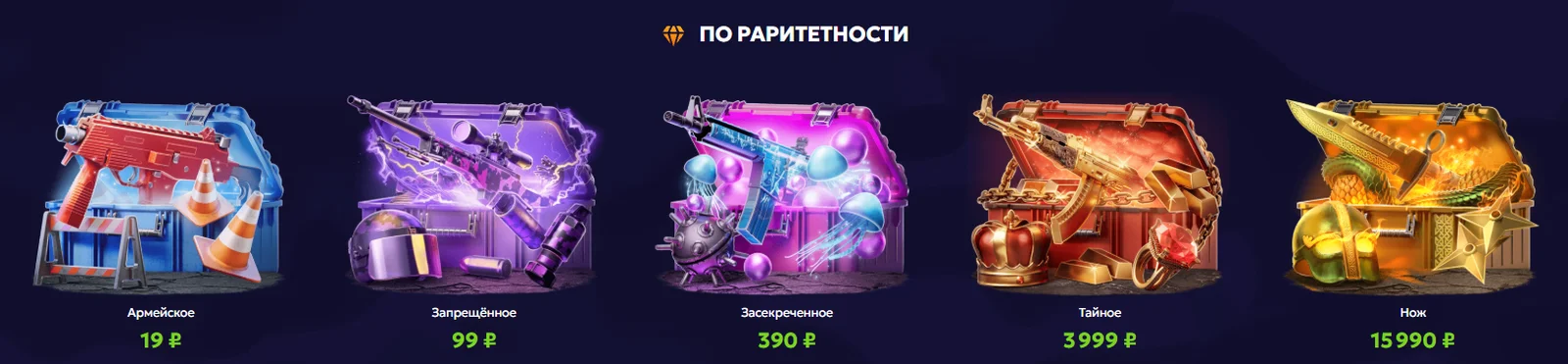
The catalog is divided into collections based on weapons, rarity, collections, and themes. There are budget options, custom cases, and classic cases. Quick search and price filters make it easier to find a suitable collection without browsing the entire catalog.

Registration and Login
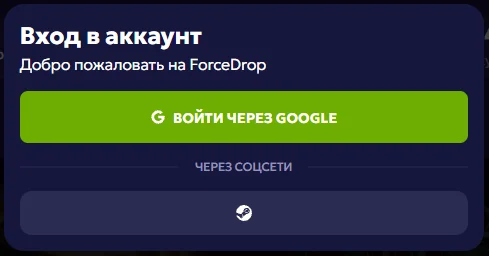
To open the login window, click “Log In” at the top of the website. The form offers login through Google as well as authentication through social networks. Choose your preferred option from the available methods.
When using a third-party service, make sure you are signing in to the correct account. To access modes that require authentication, return to ForceDrop after completing the login process.
ForceDrop Promo Code and Bonuses
The promo code REFE447D615 offers a +40% deposit bonus.
To apply the promo code:
* Log in to your account and open the deposit form. * Find the promo code field and enter REFE447D615 without spaces. * Apply the code and check the bonus amount displayed in the form. * Review the terms of the offer before confirming the payment.
The deposit bonus is tied to adding funds to your account. The minimum amount, available payment methods, and promotional restrictions are determined by the terms displayed by the platform.
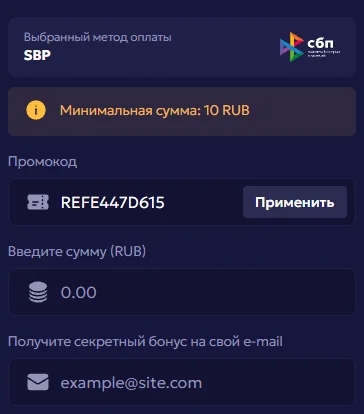
The ForceDrop homepage also features a daily bonus, an offer for new players, and a bonus for following the platform on social media. Each activity has its own requirements, so check the details after opening the corresponding section.
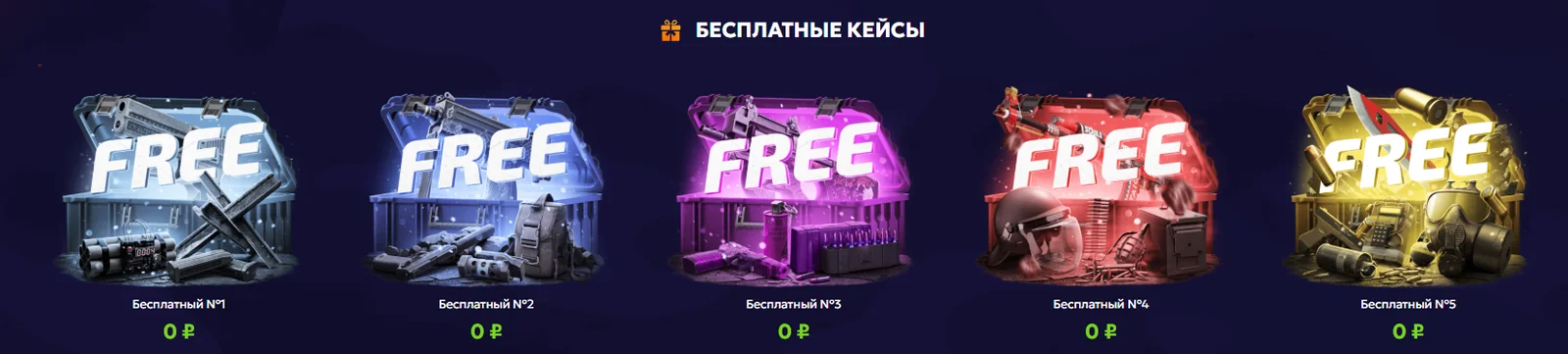
Free cases are also listed separately in the catalog. A price of 0 RUB does not necessarily mean that there are no access requirements. Open the page of the selected case to see what conditions need to be met to claim it.
Game Modes
Cases:
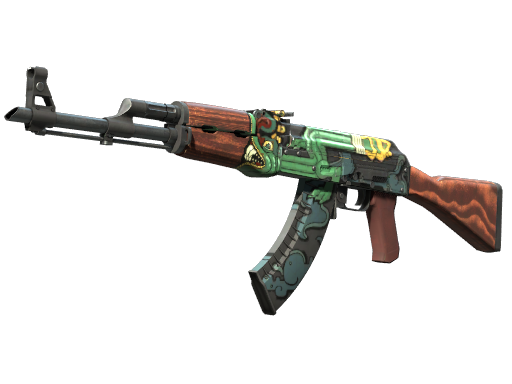
Cases on ForceDrop are grouped according to several criteria. For example, you can choose a collection for the AWP or AK-47, browse a specific collection, or explore themed selections. Price ranges and filters for available cases make it easier to search by cost.
Before opening a case, visit its page and review the contents. This makes it easier to compare several options based on their item pools and opening prices.
Battles:
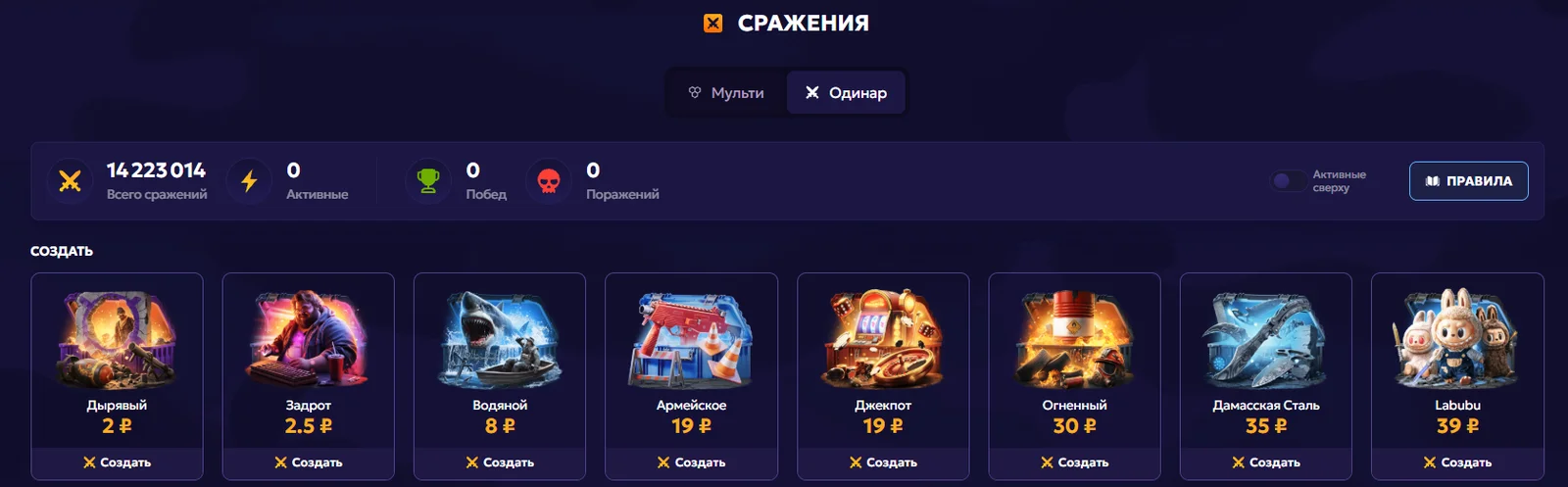
The “Battles” section leads to multiplayer battles. This format involves multiple players opening several cases as part of a single battle.
When choosing a game, pay attention to the included cases, participation cost, and rules for distributing the results. The setup of a specific battle is more important than the general name of the mode.
Contracts:
ForceDrop has a separate page dedicated to contracts. The mode begins by selecting items to use in a contract, and this feature becomes available after logging in.
Before confirming, check which items have been selected and review the contract terms displayed in the interface.

Cards:
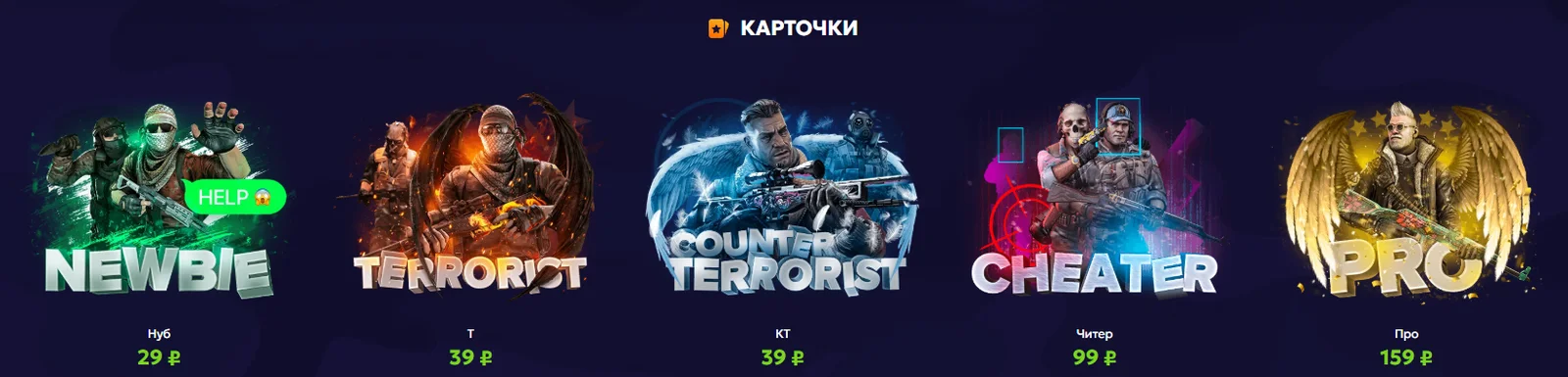
In this mode, players open tiles in search of a matching pair of items. Even if no matching pair is found, the player still receives a guaranteed skin, so every attempt provides a reward.
Conclusion
One of ForceDrop’s main strengths is its variety of cases and convenient search tools. Collections based on weapons, themes, and price make it easier to find an appealing option, while Battles, Contracts, and Upgrade provide alternatives to standard case openings. The platform may appeal to users who enjoy exploring a broad catalog and trying different ways to use the items they receive.